Best AI video editor apps for beginners in India
The consumption of video content in India has grown explosively in the last decade. Platforms such as YouTube and Instagram clock in over 500 million users every month in India alone.
While video consumption has grown, a lot of solutions have popped up for video editing. AI-based video editors can help reduce the time and effort needed to publish good content. In today's article, we will look at some of the best AI video editor apps for those who are just getting started.
What is an AI video editor?
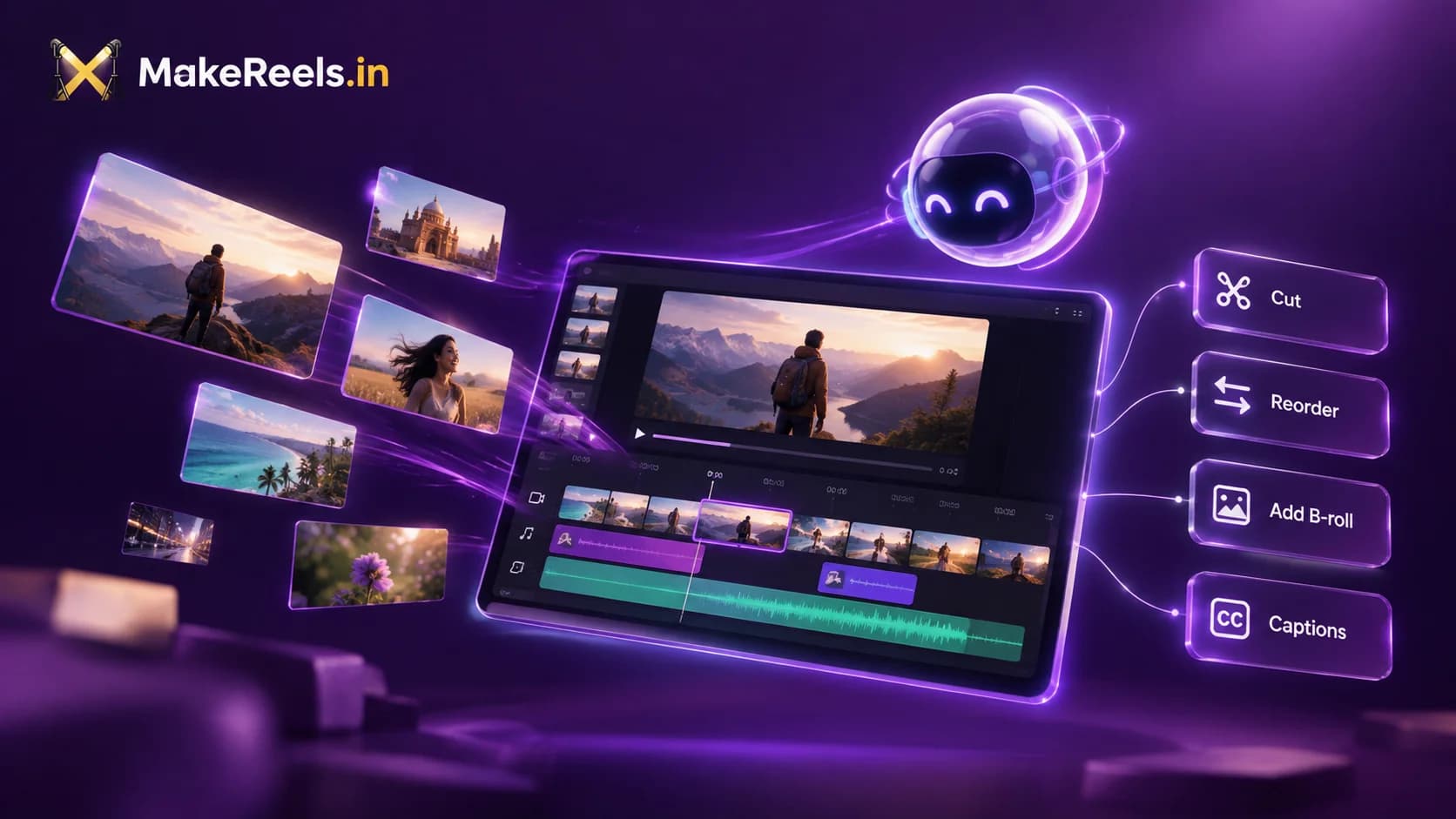
AI video editors are AI-enabled editing software that can take in content from various user-uploaded sources, then cut, arrange and add visual elements to the videos to create a complete video. AI editors will often include features for AI-generated VFX, AI audio, Music, images and videos.
AI Video Editors allow anyone with an idea to edit videos; you no longer need to have a technical understanding of the editing tools. However, multiple AI video editor tools also allow you to export to professional editing tools.
Most AI video editors work on web browsers like Chrome or Safari, but some also work as copilots for existing professional software.
Who should use an AI video editor
While AI video editors have come a long way in the last two years, they're still nowhere near human levels of performance for many tasks. That being said, AI video editors are very good at narrow tasks like product sizzle reels and thought leadership content.
If you're just starting and want to start posting content that you've recorded, AI video editors are definitely for you. With some added B-roll and audio clips, you can polish a simple talking head video. You can share your product link to create a simple product video or even take things up a notch and create an entire sit-down video with AI video editors.
An AI video editor can help you easily copy some of the existing creators and focus more on the content rather than on editing. However, if you're someone who needs to create complex animated graphics or if you want to add highly controlled VFX, then this might not be the right tool for you today.
Best AI Video Editors
We evaluate the video editors on multiple parameters like ability to cut, re-order and select relevant clips along with their output quality. We also check mobile usability since many creators have started using their mobile devices to capture and edit content. The video editors listed below are in no particular order.
Quick disclaimer before we go ahead: we are the makers of MakeReels.in, but we try to surface a true comparison between some of the best video editors.
Cardboard
A solid AI editor that can cut, reorder, and select clips to create content. They also have AI generation features which can help you add in B-rolls, music, voice-overs, and even VFX. Apart from featuring a solid AI agent, they also have a very good editor. One of the features that stood out to me is the ability to share a reference video with the agent; this feature is one of my favourite features, and it makes the process of video editing so much easier. Right now, Cardboard is offering a free version for Mac users, which processes the videos locally, and it works for most indian languages.
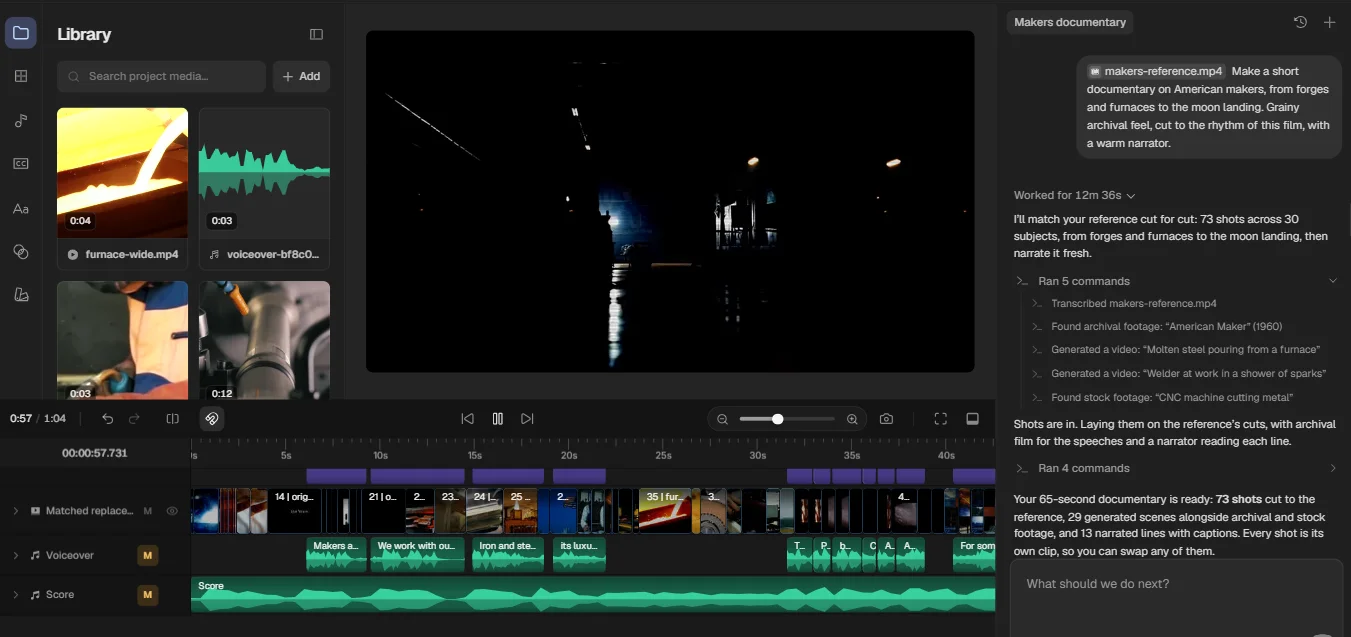
- Can cut, reorder, and select clips from the source video
- Can understand the video context quite well
- Has a solid video editor that can be used to make small adjustments
- Supports prompt-based video effects
- Adds B-rolls to content
- Supports collaborative editing
- Pricing ranges from 5$ to 89$ per month (approx ₹495 onwards)
- No UPI payment options
- Can connect to Claude or other popular chatbots via MCP
- Mobile view is not well optimised
- No watermarks on export
MakeReels.in
MakeReels.in is a solid option for brand owners and thought leaders. It can cut, reorder, and select videos based on context. This is a great choice for those looking for a slightly more budget-friendly option. The agent is pretty good and can handle decently complex tasks. The agent can also generate video, images and audio as needed. The editor agent lacks the ability to do VFX and cannot reliably edit videos that do not have any spoken audio. Supports captions in almost all major indian languages.
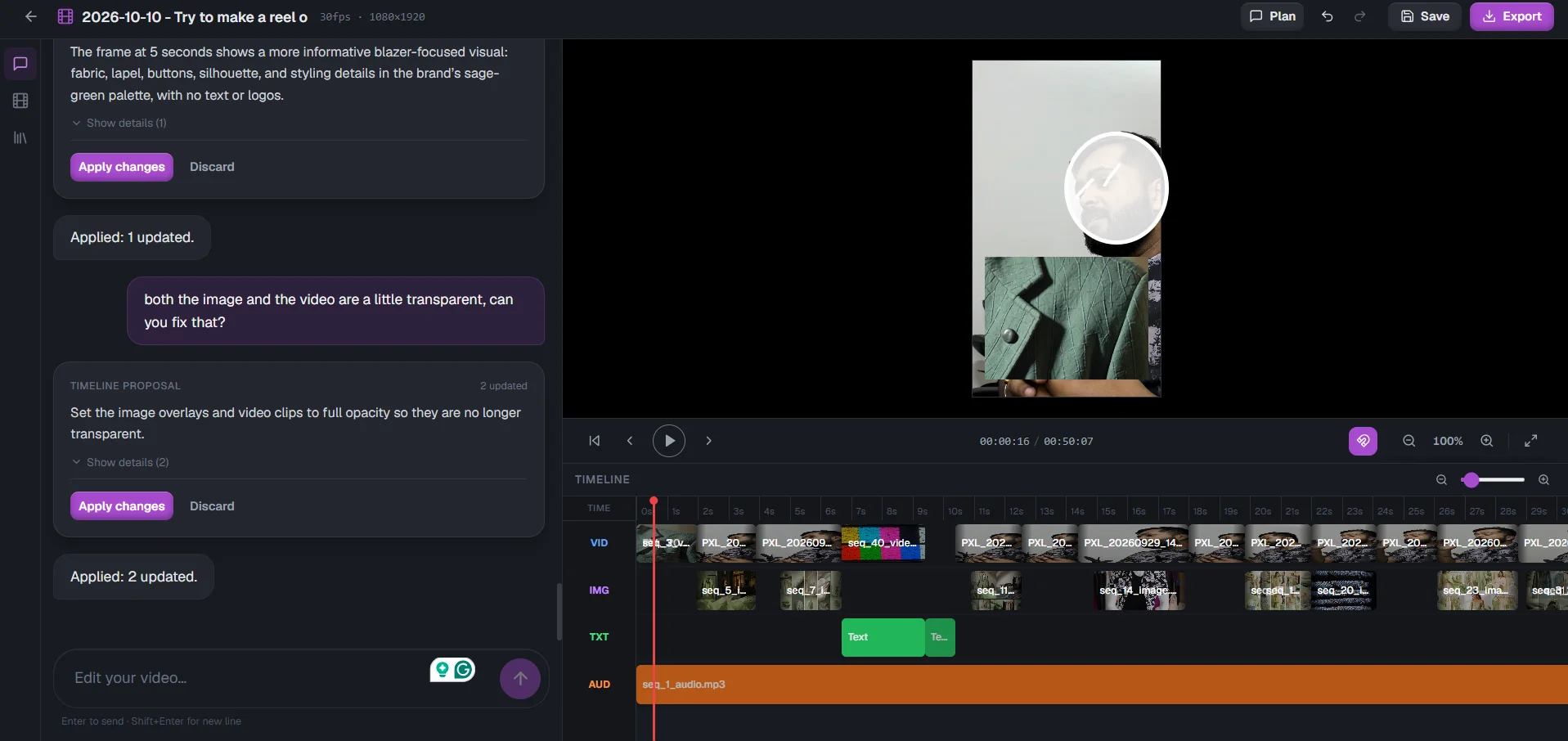
- Can cut, reorder, and select clips from the source video
- Understands video context but only for videos with spoken audio
- Good video editor for basic editing
- Auto-adds B-roll content
- Pricing ranges from Free to ₹10,000 one-time charges (no subscription)
- Has UPI payment options
- Mobile view is not well optimised
- No watermarks on export
Canva
While Canva has a great, easy-to-use video editing tool, it does not have a true AI video editor. However, it does have support for generating AI videos using Seedance and other popular models. To their credit, Canva does have one of the most usable video editors out there and can help you get off the ground pretty easily. Its vast library of stock videos, images and word art can help you elevate the quality of your content in minutes instead of hours on traditional platforms. You can add your own captions in any language that you like, but it can be a little laborious.
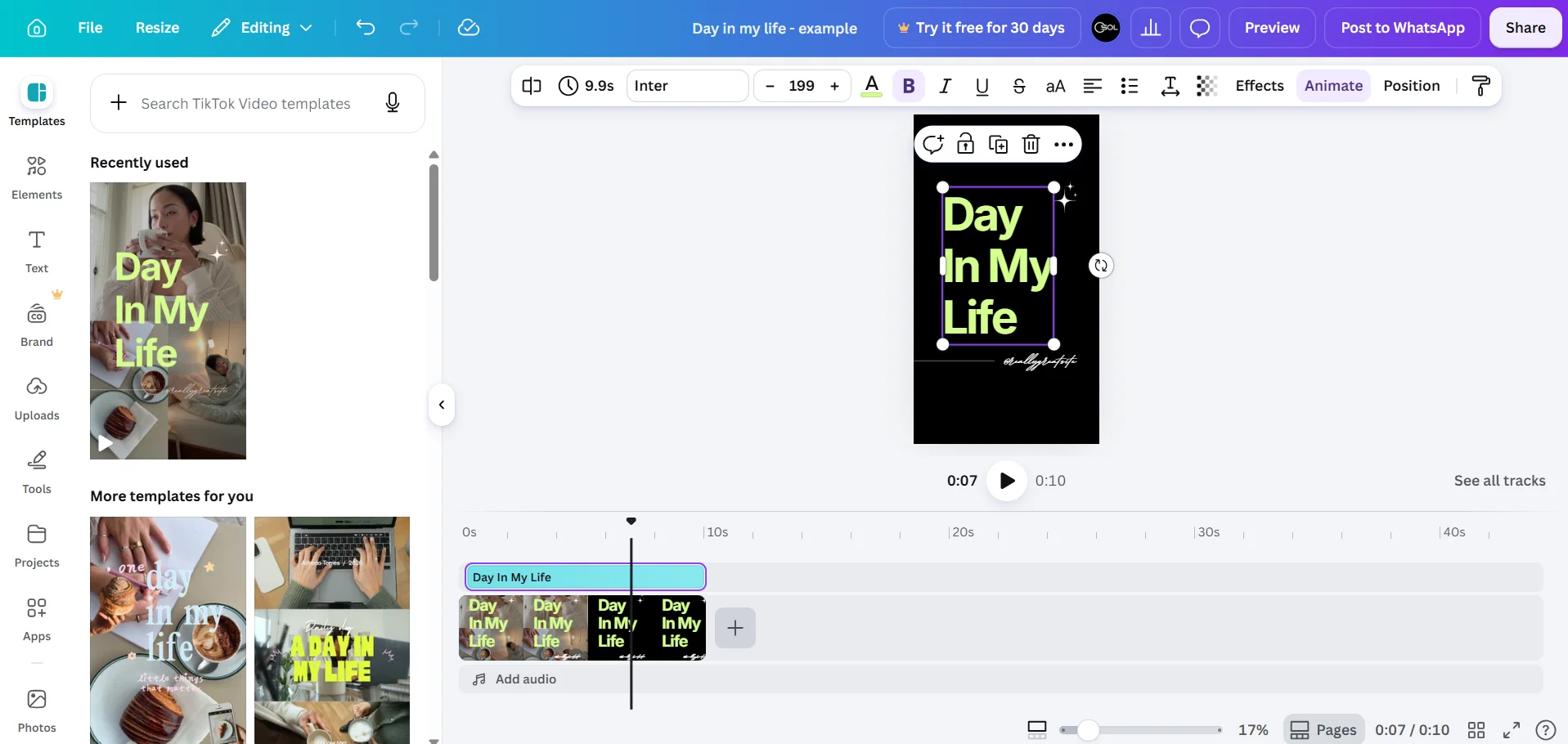
- Cannot cut, reorder, or select clips
- No video context
- Great templates to begin with
- Huge library of effects, word art, images, videos and audio
- Solid video editor that is beginner-friendly
- Prices range from Free to ₹6,800 yearly per user
- Has well-supported integrations with ChatGPT and Claude
- Does not support UPI
- Very well-optimised mobile interface
- Watermark on some videos on the free plan
Invideo
This is one of the leading AI editors. The Invideo timeline agent is possibly one of the best agents. Their agent can cut, reorder, and select clips based on your prompt. The agent can add B-roll and audio. While they have some of the best quality, users have complained about a high token burn rate. However, with newer releases of the agent, we have seen a reduction in token consumption by the agent. They have one of the best online video editors too. It can get a little daunting for beginners in video production, but is a great tool for the pros. InVideo has some great team collaboration tools too, and it's worth noting that you can create your own agents inside InVideo that work alongside you.
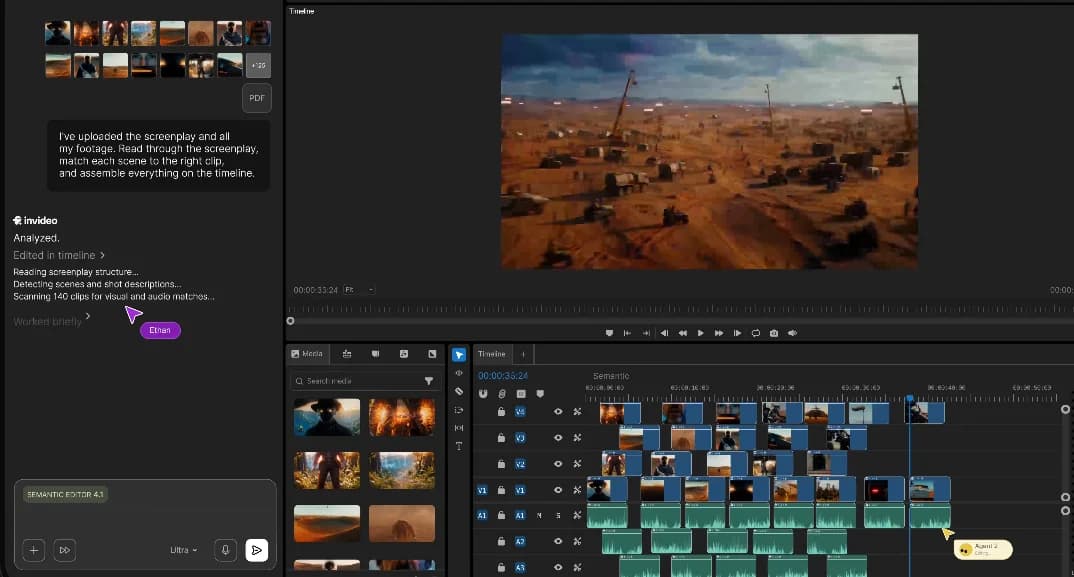
- Can cut, re-order and select clips
- Can take in complete context, even in clips without audio
- Agent is well integrated with Seedance and other AI video models
- Really good video editor but can be daunting for beginners
- Supports B-roll addition to content
- Pricing ranges from $4 to $80 per month with varying number of seats per plan (approx ₹400 and above)
- Supports connectors to Claude or ChatGPT
- Supports UPI Payments
- Well-optimised mobile view
- No watermarks
Narrative
Narrative started out as a sports content platform that allowed clipping of sports content but has recently released its general-purpose video editor. Their video editor can handle some pretty challenging effects and animations. Their editor is capable of cutting, reordering, and selecting relevant clips. However, the agent does seem to lack the ability to generate any new clips or audio.
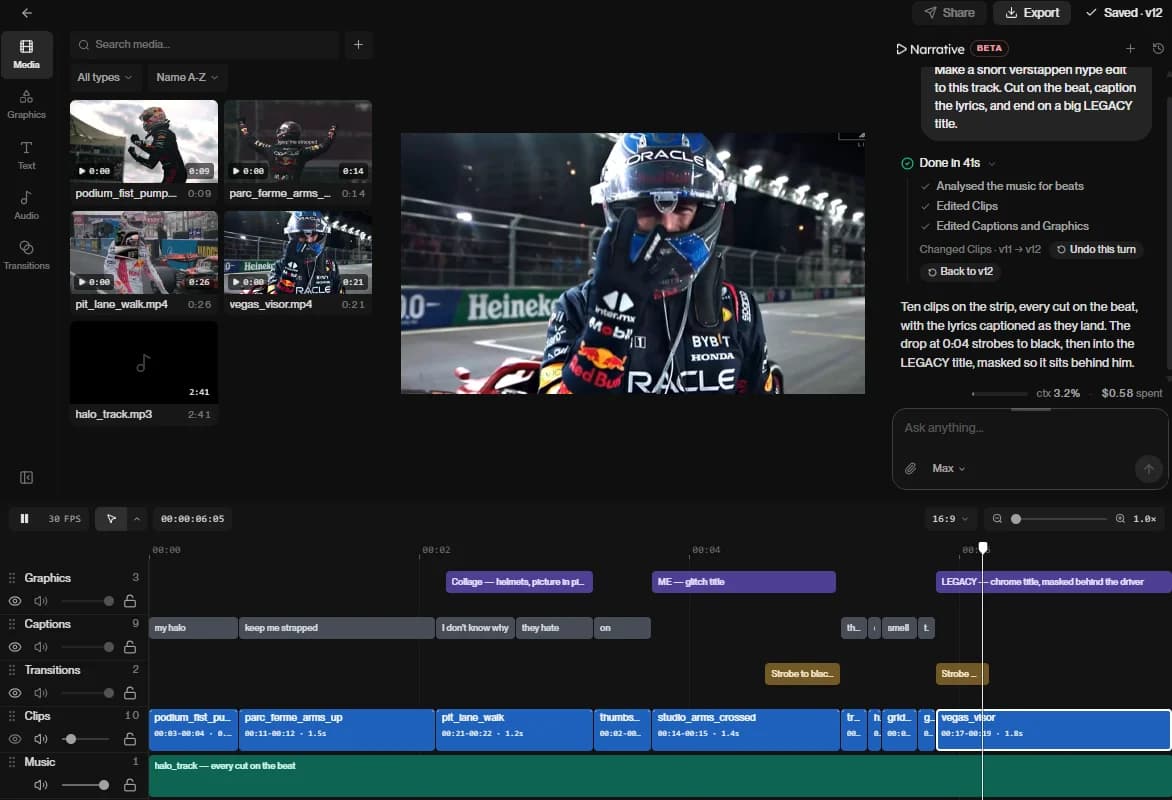
- Can cut, reorder, and select clips
- Can find high-intensity clips from a source
- Decent video editor that can help add finishing touches
- Supports B-roll addition to content
- Pricing ranges from 20$ to 100$ (approx ₹1981 onwards)
- No UPI payment option
- Does not support mobile views; has an iOS app
| Feature | Cardboard | MakeReels.in | Canva | InVideo | Narrative |
|---|---|---|---|---|---|
| Best for | AI-assisted editing and collaboration | Founders, brands and thought leaders | Beginners and template-based editing | Advanced AI editing and professional workflows | Highlight clipping and advanced effects |
| AI selects relevant clips | Yes | Yes, with spoken audio | No | Yes | Yes |
| Reorders and cuts clips | Yes | Yes | No | Yes | Yes |
| Understands video context without speech | Yes | No | No | Yes | Not specified |
| Automatically adds B-roll | Yes | Yes | Manual/template-based workflow | Yes | Yes |
| Generates new video, images or audio | Yes | Yes | AI video generation available | Yes, through integrated AI models | No |
| AI-powered video effects | Yes | No | Effects and templates | Yes, through AI models | Supports advanced effects and animations |
| Built-in video editor | Yes | Yes, beginner-friendly | Yes, beginner-friendly | Yes, feature-rich | Yes |
| Mobile experience | Poorly optimised | Poorly optimised | Excellent | Good | No Android/mobile web support; iOS app available |
| Free plan | Yes, for Mac users | Yes | Yes | No | No |
| Export without watermark | Yes | Yes | Some free-plan videos have watermarks | Yes | Yes |
| ChatGPT / Claude integration | Yes, via MCP | No | Yes | Yes | No |
| Payment via UPI | No | Yes | Yes | Yes | No |
| Premium plans | ₹495 onwards | ₹99 onwards | ₹199 onwards | ₹400 onwards | ₹1981 onwards |
Conclusion
It's difficult to name any one as the best video editor app since every editor excels in different parameters. Founders in India are a diverse bunch of people; some are always on the go and prefer mobile tools, whereas some people prefer using the bigger screen on a laptop. Not everyone can afford expensive subscriptions to begin with, so it's difficult to recommend just one app. Here is how I'd think of the best apps
- If you're looking for a completely autonomous video editor and have a Mac, Cardboard is the best option for a beginner
- If you need a free version to begin with and don't mind being on the desktop, then makereels. in is a great option
- But if using the tool on your phone is the priority, then pick InVideo; it can be daunting for beginners, but it is the best tool for mobile.
Cardboard and Narrative process their payments via international payments and hence have poor support for RuPay cards and can incur additional transaction fees when making the transactions. These are small hiccups but can lead to a more frustrating experience. Additionally, Narrative does not have any options to edit videos on Android.
Create one month's content in a day
It has become easier than ever to start creating content. You can finish researching, recording and editing content for an entire month in 8 hours:
- Use Claude / ChatGPT to research your script within 10 minutes
- Use your webcam or mobile phone to record yourself and take multiple takes. This takes around 1 hour for a 2-minute script
- Spend about 30-40 minutes with an AI editor to get your content ready to ship
- Finally, research keywords, hashtags and a good caption while uploading the content to the target platforms
Each video can be done in 2 hours, and a month's worth of content can be done in 8 hours. LinkedIn has reported 154 billion views a year in 2024 in video viewership; there is no reason to stay behind on this as of 2026.